
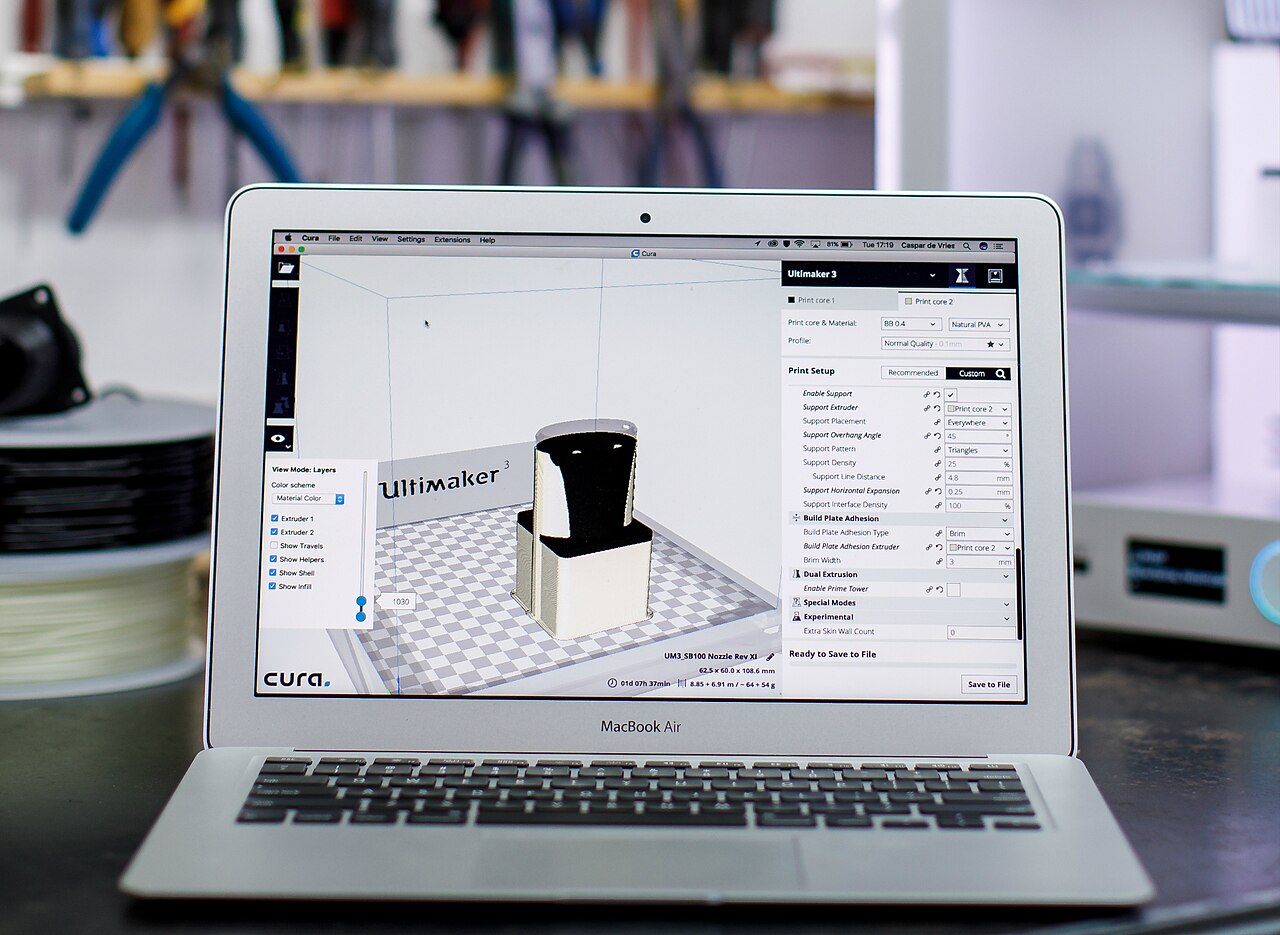
Few slicer complaints are as old or as persistent as this one: Cura's support generator is either doing too much or not enough, and fixing it has meant working around the generator rather than with it. With UltiMaker Cura 5.14.0-beta.1, published on GitHub on October 15, 2026, UltiMaker offers a more direct answer. You can now paint the model to say where support must go, where it must not, and where the engine should decide for itself. The beta also makes tabbed settings the default, adds a native Windows-on-ARM build, moves the interface from Qt 6.6 to Qt 6.10, and introduces a batch of new support-wall settings.
This is a beta, not a stable release, and should be treated as one. It is still the clearest view yet of what Cura 5.14 will look like when it ships.
Paint-On Support, Sixteen Weeks in the Making
Support painting is not new to the 5.14 line. The 5.14.0-alpha.0 release, published June 25, introduced it as a way to paint on the model to mark where support should and should not be generated. That gives the feature sixteen weeks between its first public alpha and the beta.
What came out the other side is broader than the alpha's description. According to the beta notes, painted regions can now take one of three roles: enforce support, avoid support, or leave support to automatic generation. That third mode matters. Instead of choosing between Cura's global automatic supports and a pile of manual overrides, you can mark a region and let the generator work only there.
The painting tools have also picked up features that make them practical on real models rather than demos:
- Interactive overhang angle slider. The overhang threshold can be adjusted while you paint, so you can see what the generator considers an overhang before committing.
- Paint Surface. A single click selects a contiguous set of faces or a curved feature, rather than requiring you to brush across the surface by hand.
- Straight lines. Holding Shift, or Shift+Ctrl, draws straight strokes, which helps when you need a clean boundary along an edge.
Two related changes back up the painting workflow. Cura will now show a reminder when a model has severe overhangs and supports are switched off, a guard against the familiar experience of discovering the problem twenty layers into a print. And support settings are now always visible in the settings panel, since supports can be painted directly on the model.
A Settings Panel With Tabs
The second change most users will notice right away is the settings panel itself. Cura 5.14 beta uses a tabbed layout by default. The design is based on the Tabbed Settings plugin by Aldo Hoeben (fieldOfView). HellAholic contributed the integration into Cura proper.
For anyone who has scrolled through Cura's long custom settings list hunting for one value, tabs are an overdue fix. It also fits a pattern that runs through this release: a good share of the beta's notable changes are credited to named community contributors rather than only to UltiMaker staff.
New Settings for Walls and Support Walls
Under the hood, the beta adds several new settings. Inner Wall Inset and Branch Smoothing Layers join the list, along with Support Wall Thickness. A set of transition settings governs how support walls change thickness: Support Enlarged Wall Thickness, plus Unenlarged Bottom Layers and Unenlarged Top Layers. The release notes describe the aim only in general terms, so expect some experimentation before anyone settles on sensible defaults for specific printers.
Small top and bottom regions get attention too. Cura now prints small roof and floor areas in a unified way, which UltiMaker says reduces surface fragmentation and travel moves. Anyone who has watched a nozzle zigzag across a cluster of tiny top-skin islands will understand the goal.
The layer preview has also become more informative. Overhangs and bridges now appear in their own line-type colors, so you can check how a part's problem areas will be printed before slicing becomes printing.
Windows on ARM and a Qt Upgrade
Cura already shipped ARM builds for Mac. The 5.14 beta adds a Windows-on-ARM build as well, aimed at laptops with ARM-based processors.
The interface toolkit moves from Qt 6.6 to Qt 6.10, a substantial jump for the framework under every panel and dialog. On a related note, pop-up dialogs are now created dynamically, which UltiMaker says shortens boot time and lowers memory use.
G-code Templates Grow Up
Printer profile authors and anyone who maintains custom start and end G-code get a meaningful upgrade. Start and end G-code template formulas, along with end-of-print variables such as total print time, are now processed in CuraEngine. That work was contributed by Erwan Mathieu. Values like total print time only exist once slicing is done, so handling them in the engine is the logical place.
The template syntax itself has grown. Templates now support substring matching and list syntax, so a condition such as material_type in ['TPU','TPU 95A'] can match several material names in one expression. For multi-material setups, that is a cleaner alternative to stacks of near-duplicate conditionals. G-code headers now also list any active CuraEngine plugins, which helps when you need to work out what produced a file.
Post-processing has seen fixes as well. GregValiant fixed symbol encoding across the post-processing scripts, and the PauseAtHeight.py script was overhauled by GregValiant and HellAholic.
Smaller Quality-of-Life Changes
- A right-click option shows the file location of a loaded model.
- An optional default save and load location can be set.
- Preferred materials and extruders can be specified as lists, aimed at multi-tool printers.
What It Means for Makers
Paint-on support is the reason to try this beta. Cura's automatic supports have largely been an all-or-nothing proposition, and the three-mode painting model, especially the auto-generate option, gives you local control without abandoning the generator entirely. The overhang slider and one-click surface selection show attention to the practical side of painting. Sixteen weeks from alpha to beta is not a rush job.
The rest of the release is less dramatic but still useful. Tabbed settings should make Cura easier to navigate for everyone, the Windows-on-ARM build closes a platform gap, and the G-code template changes are a real win for people who write their own start sequences. The new support-wall settings will need testing before they earn a place in anyone's profiles.
The usual caveats apply. This is a beta built on a major Qt version jump, so install it alongside your stable Cura rather than over it, keep your working profiles backed up, and test on parts you can afford to reprint. If paint-on support behaves on your models the way the notes describe, the stable 5.14 release will be worth upgrading to.
