
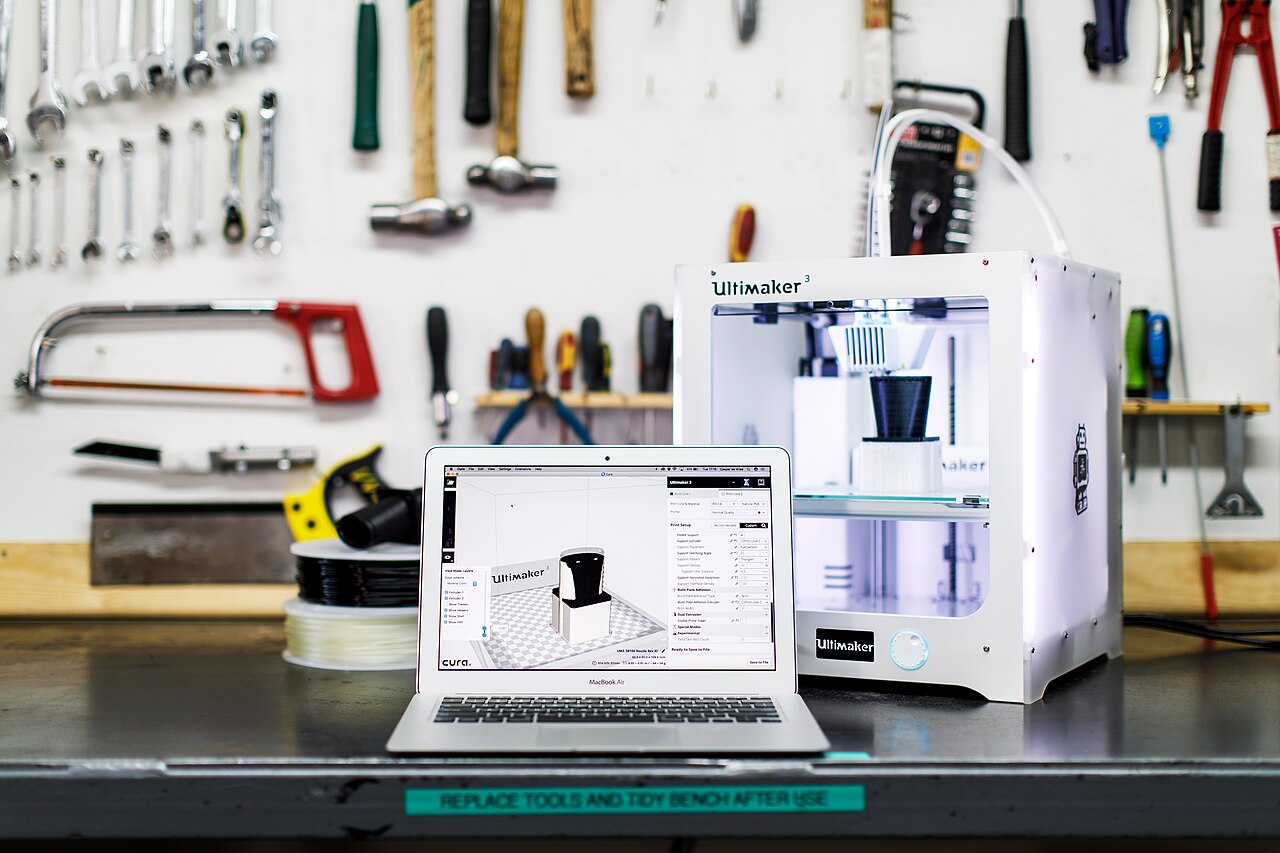
On 27 October, Meshy released two official skills for Hermes Agent, the open-source AI agent developed by Nous Research. According to Meshy's documentation for the Hermes skills, one skill generates and processes 3D models, and the other prepares them for printing: it checks printability, repairs geometry, scales parts to real-world dimensions, exports 3MF and passes the file to a slicer installed on your machine. The idea is that you can go from a text prompt or a reference photo to a file open in your slicer without leaving the conversation. This guide covers what you need, how to install the skills, what you pay for and what the print skill does not do for you.
Two Skills, Installed Separately
The release has two parts, and each one installs on its own. That matters if you only want the printing half. Maybe you already have STL files from Thingiverse-style downloads or your own CAD work and just want an agent that can check and prepare them.
meshy-3d-generation covers Meshy's model-creation features. The documentation lists Text to 3D, Image to 3D and Multi-Image to 3D generation, AI texturing and retexturing, remeshing to a target polygon budget, UV unwrapping, and auto-rigging and animation for humanoid characters. Exports come out as GLB, FBX, OBJ, STL or USDZ.
meshy-3d-printing deals with the physical object. It runs a printability analysis and repairs the geometry, exports single-color or multicolor 3MF, sizes the model to real-world dimensions, and hands the result to your installed slicer. It also supports what Meshy calls Creative Lab products, which are preset object types such as figurines, lamps, keychains and fridge magnets.
Under the hood, both skills drive the Meshy CLI, published on npm as meshy-cli. Authentication is a browser sign-in with a one-time code, so you don't paste an API key into a config file. The sign-in can be approved from any browser, which also works when Hermes runs on a remote server. The skills are open source and live in Meshy's meshy-3d-agent GitHub repository, so you can read exactly what the agent will be told to run before you let it run anything.
Requirements
The prerequisites are short but specific:
- A working Hermes Agent installation.
- Node.js 22.12 or later, with npm, on the computer that runs Hermes. The CLI is an npm package, so an older Node runtime is a likely cause of a failed first run. Check
node --versionbefore anything else. - A Meshy account if you want to generate models. Generation requires a paid Meshy plan.
You don't need an account for everything. The documentation says printability analysis is free, and local print steps such as rescaling a model or opening it in a slicer need no sign-in at all.
Installation
Meshy documents several install routes. You can paste a prompt into a chat asking Hermes to follow Meshy's INSTALL.md file, and it will check Node.js, install the CLI and both skills, and walk you through sign-in. To do it yourself through Hermes's own skill manager, each skill installs by its repository path:
hermes skills install meshy-dev/meshy-3d-agent/skills/meshy-3d-generation
hermes skills install meshy-dev/meshy-3d-agent/skills/meshy-3d-printing
Alternatively, the generic skills installer pulls from the same repository:
npx -y skills add meshy-dev/meshy-3d-agent --skill meshy-3d-generation --skill meshy-3d-printing -g -y -a hermes-agent
You don't need a global npm install -g meshy-cli. Without it, the skills run the CLI through npm exec, and a global install only makes startup faster. If Hermes doesn't use the skills in a conversation that was open while you installed them, Meshy's advice is to start a new session, or to mention Meshy in your request.
On the first request, Hermes starts the sign-in and sends you a link and a one-time code. The code is valid for 10 minutes, and if it expires you ask Hermes for a new one.
How a Job Actually Runs
3D Printing Industry's report on the launch describes the workflow. You describe an object in chat, and Hermes selects the tools it needs, asks for approval before spending credits, monitors progress and returns the file in the requested format. Output files can be saved to a local folder of your choice and previewed inside the conversation, so you can reject a bad generation before it goes any further.
For a print, the rest of the chain is checking printability, repairing common geometry issues, scaling to real-world dimensions, exporting 3MF for single-color or multicolor printing and then sending the file to the slicer on your computer. Follow-up requests reuse the previous result, so asking for "scale it to 150 mm" after a generation works on the model you already have.
What It Costs
Installing the skills costs nothing. Generation is the paid part: it needs a paid Meshy plan, and the documentation says every generation task spends Meshy credits at API rates. The documentation points to Meshy's pricing page for the cost of each task, so check it before you start. If you want to approve each paid step yourself, the documentation suggests adding "ask me before spending credits" to your request. Whatever approval prompt Hermes shows is your main cost control, so read it instead of approving everything on reflex, especially when the agent chains several operations together.
Free operations include printability analysis and local steps such as rescaling a model and opening it in a slicer, neither of which needs a sign-in.
What the Print Skill Does Not Do
It helps to be precise about where the automation ends. Based on Meshy's description, the print skill prepares a file and delivers it to your slicer. It does not replace the slicer. Layer height, supports, orientation, infill, material profiles and the decision to send the job to a printer all stay in the slicing software you already use, and under your control. "Slice a print from a chat" really means the agent gets a repaired, correctly sized 3MF open in your slicer. Everything after that is up to you.
Some other limits:
- Auto-rigging and animation are documented for humanoid characters only. That matters more to game and animation users than to printers, but it shows the generation skill isn't built purely for fabrication.
- Repair addresses geometry. It can't make a design structurally sound, so whether a thin AI-generated feature survives in PLA is still your engineering call.
- The handoff goes to a slicer installed on your computer. As described, this is a local workflow, not remote printer control.
Bottom Line for Makers
The most useful part of this release may be the cheapest one. A free printability analysis, with sizing and 3MF export driven from plain-language instructions, is a reasonable reason to install the print skill even if you never pay for a generation. The generation skill is aimed at a narrower group: makers who want quick decorative objects such as figurines, keychains, magnets and lamps, and who accept AI-generated geometry as a starting point.
The design choices are sound. Credit spending is approved before jobs run, files go to a local folder, there's no API key to leak, and the skill code is open for inspection. Hermes Agent users with Node.js 22.12 or later can set it up in a few minutes. Everyone else should treat it as a sign of where hobbyist tooling is going: the agent prepares the file, and the maker still decides how it gets printed.
