Prusa Research has released stable firmware 8.0.0 for nearly its whole current lineup, and the official release notes on GitHub open with one main feature: support for OpenPrintTag, an open NFC standard for filament spools. On the CORE One and CORE One L, the printer can now read filament parameters from a tagged spool and write usage data back to it. The catch is that the feature needs extra hardware. Firmware alone won't do it; you also need Prusa's separate reader upgrade.
The release went out on November 3, 2026, and covers a long list of machines: the CORE One L+, CORE One L, CORE One+ (Gen 2) INDX, CORE One INDX, CORE One+ (Gen 2), CORE One, XL+, XL, MK4S, MK4, MK3.9S, MK3.9, MK3.5S, MK3.5, MINI+ and MINI. Most of those printers get general improvements and bug fixes. Only the CORE One and CORE One L families, not their INDX versions, get the NFC feature, for now.
How OpenPrintTag Works on the Printer
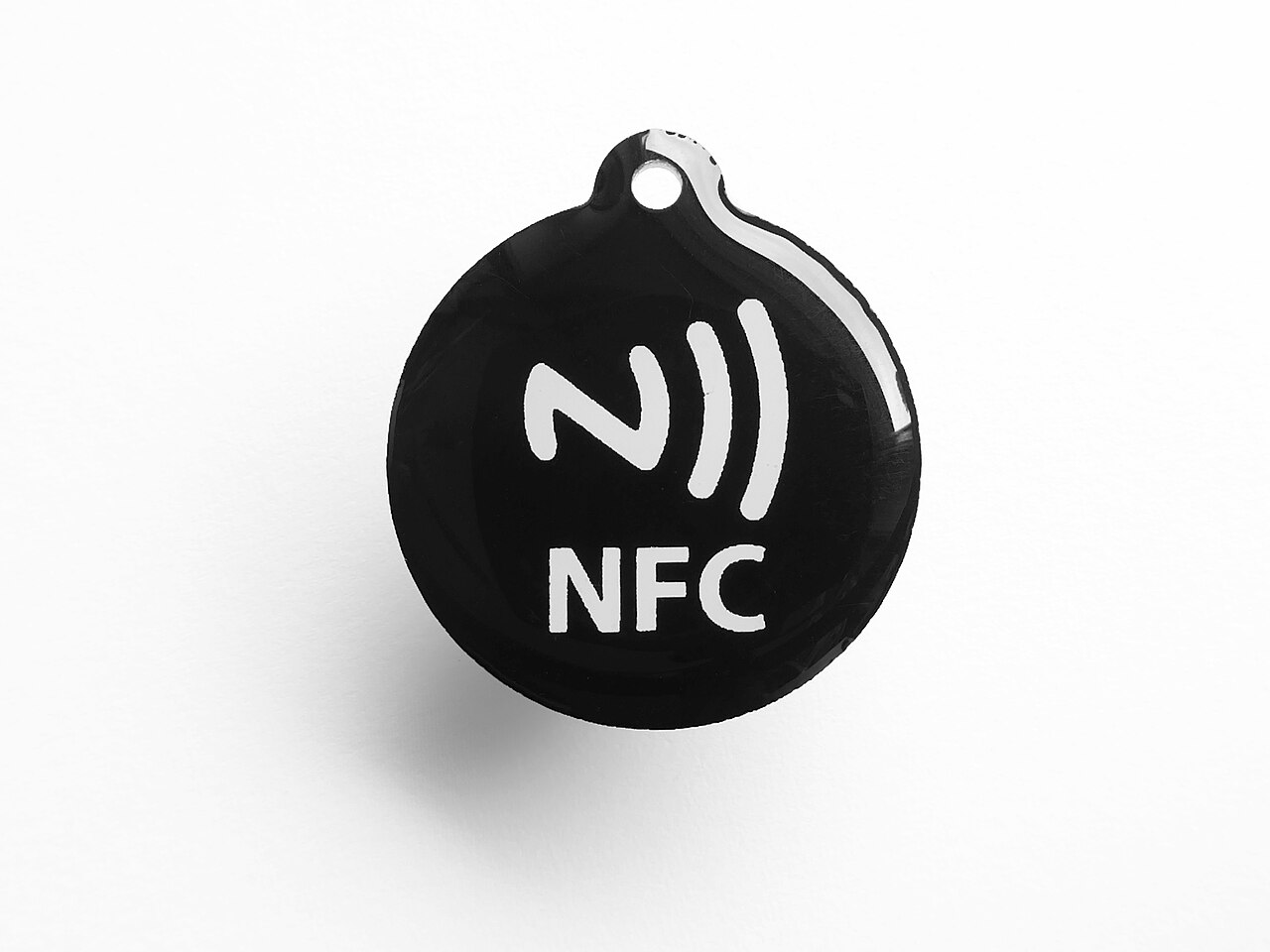
The idea behind OpenPrintTag is simple. The spool carries its own description. Instead of picking a material profile from a menu, and maybe picking the wrong one, the printer reads what's loaded straight from an NFC tag on the reel. Portuguese-language outlet Folha do Leste notes that the tag can store the material, the colour and the remaining quantity, and that NFC works offline, with no cloud service involved in the read.
In firmware 8.0.0, this shows up as a new Settings > OpenPrintTag menu. It shows the Reader Status and offers Read OpenPrintTag, which displays the contents of the tag on the reader. When a filament is loaded from a tag, the printer also tracks identifiers for it: a material UUID, a package UUID and an instance UUID for the individual spool. So the machine can tell one tagged spool from another instead of treating every reel of the same material as identical.
The more interesting part is the write-back. The firmware doesn't just read the tag; it keeps it up to date. According to the release notes, the printer tracks how much filament it uses from an OpenPrintTag spool and writes that consumption back to the tag at several points: after loading, before unloading, at the end of a print, and at most every five minutes during printing. The notes add that usage is added to the stored total, which keeps the figure accurate even when a spool is shared between printers.
In practice, a spool that moves between printers, or comes off the machine for a week and goes back on, should still report how much material it has left. The printer also warns "Not enough filament" before a print if the tracked amount is insufficient for the G-code.
The Hardware Requirement, and the Limits
Prusa sells the needed hardware as the OpenPrintTag upgrade for CORE One/L. The release notes say outright that OpenPrintTag reading requires a compatible reader. Folha do Leste's coverage makes the same point: CORE One family owners need an additional physical reader before the feature does anything. Prusa's product page also points to blank OpenPrintTag tags, so you can tag spools that didn't come with one and write the data with your phone.
Several limits come with this first release, and they matter for anyone deciding whether to buy the upgrade:
- No INDX support yet. The release notes say OpenPrintTag is not available on the CORE One INDX yet, and Prusa's product page says the upgrade is not compatible with the INDX at the moment.
- No MMU support. OpenPrintTag reading is turned off while an MMU is enabled. The product page also lists the MMU3 as incompatible at the moment.
- Some workflows skip the tag. M600 filament changes, and the Load and Change buttons in the print preview screen, load the filament specified by the G-code and do not use the tag. So a mid-print colour swap via M600 won't pick up the new spool's data automatically. To use the tag for a filament change, start it from the Filament menu and choose Data From OpenPrintTag.
Prusa's wording on INDX and MMU3 ("yet", "at the moment") suggests those configurations may be addressed later, though the sources don't promise it. As shipped, the firmware is single-spool only, on the CORE One and CORE One L families.
Beyond NFC: Motion, Connectivity and INDX
The release also has changes that reach owners who will never buy a reader. The most technical is a new M204 F parameter, a filament acceleration limit that is enabled by default. According to the notes, it limits filament flow acceleration to prevent sudden extruder speed changes caused by pressure advance. If the limit is exceeded, the printer reduces the acceleration of the entire printing move, including cornering speeds near extrusion moves; travel moves are unaffected. The default is 120 mm/s² on all printers except the MINI, which uses 50 mm/s², and M204 F0 disables it.
Flexible filaments also get attention. Prusa says loading, unloading and purging flexible filaments is now faster, and the connection to Prusa Connect during a print is described as faster and more reliable. There's also a new Cyphal Info screen, which lists the accessory boards connected over the CAN bus, such as the OpenPrintTag reader. The notes describe it as mainly a diagnostic aid when contacting support.
For INDX owners, who are left out of the NFC feature, 8.0.0 makes the tool-changer's setup routines less tedious:
- Tool offset calibration now retries only the tool that failed, instead of running the whole sequence again.
- The gantry squareness check now guides the user through re-alignment.
- Nozzle cleaner calibration is more accurate.
- Dock calibration pushes the head into the dock gently.
The bug-fix list targets problems that affect daily use. Prusa fixed a false "Filament loading timed out" error, an issue where the accelerometer stopped working until a restart on MK4-family printers and the CORE One and CORE One L, possible PrusaLink crashes, and a startup freeze on INDX machines. The release also includes the security fixes introduced in firmware 7.0.0.
What It Means for Makers
For most Prusa owners, 8.0.0 is a solid maintenance release worth installing for the fixes alone. The accelerometer and false loading-timeout bugs are the kind of intermittent problems that waste time, and the security fixes are reason enough to update.
OpenPrintTag is a narrower case. It only pays off if you own a CORE One or CORE One L, run it without an MMU, and are willing to buy the reader and tag your spools. For a busy shop, the case is stronger. Folha do Leste argues the system can reduce setup errors in workshops that switch often between materials like PLA and PETG, while cautioning that the remaining quantity is still an estimate based on recorded consumption.
Openness matters too. OpenPrintTag is an open standard, not a closed scheme tied to proprietary cartridges, so in principle other manufacturers can implement it. Whether that happens beyond Prusa's own ecosystem will decide whether the reader upgrade becomes standard equipment or stays a niche accessory. For now, it's a well-built first version with clear limits, and a reason to watch which printers and spools gain support next.