
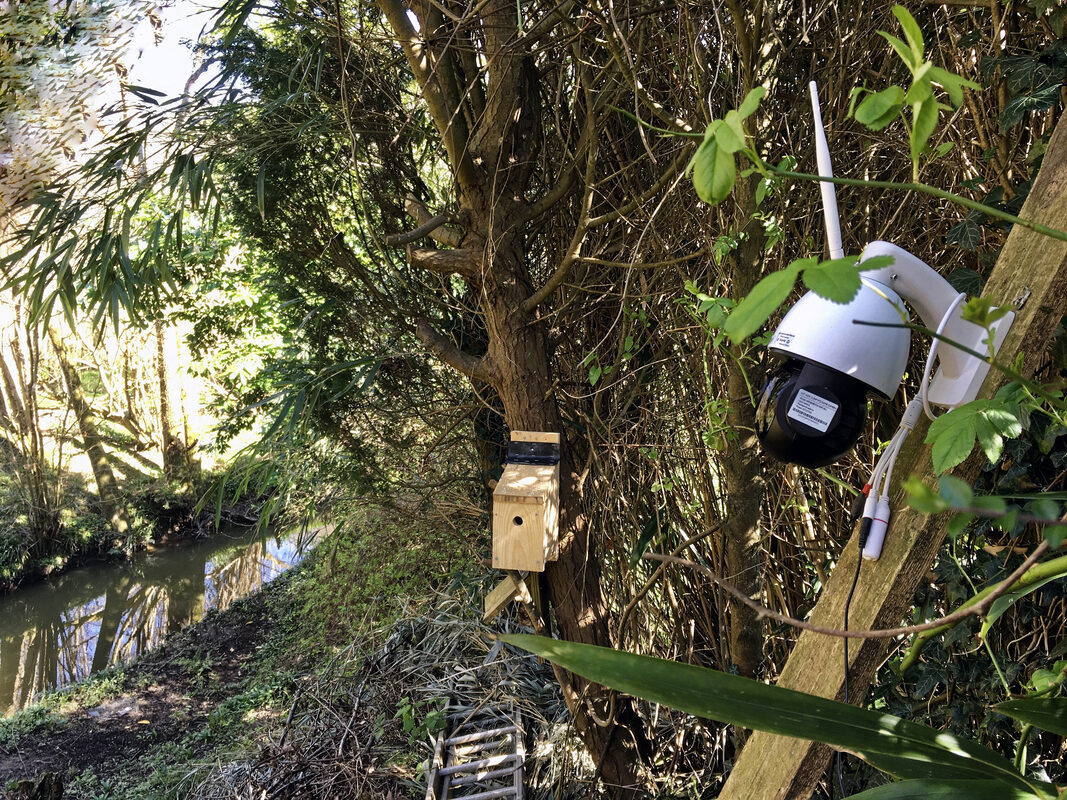
Most printer-cam projects start the same way: someone wants to check on a print from across the house, discovers their printer has no built-in camera, and goes shopping for the cheapest IP camera that will do the job. What made one recent build worth writing up is what happened next. Rather than settling for a manufacturer's cloud app and its usual bundle of subscription nags and forced firmware updates, the maker flashed the camera with Thingino, an open-source Linux firmware for inexpensive Ingenic SoC-based IP cameras, and wrote a custom script to feed snapshots directly into Prusa's remote printer monitoring API.
The project, documented by Hackaday on July 29, is a small piece of work, but it lands at an interesting moment: Thingino itself has added native support for speaking the Prusa Connect protocol, but that feature currently lives only in the project's development branch and hasn't yet been merged into the mainline firmware release. Rather than wait for the merge, the author closed the gap with a hand-rolled script — a small example of the open-source hardware community filling its own gaps on its own timeline.
What Thingino Actually Is
Thingino is not a new project — its GitHub repository has racked up 7,742 commits, 1.9k stars, and 274 forks under an MIT license — but it's the kind of infrastructure that only surfaces in maker circles when someone finds a clever new use for it. The firmware targets IP cameras built around Ingenic system-on-chip hardware, a category covering a huge swath of the cheap "generic" cameras sold under dozens of rebranded names on Amazon and AliExpress. According to Hackaday's writeup, Thingino currently supports 166 camera models, built on Buildroot, the same embedded-Linux build system used by countless router and IoT firmware projects. Under the hood, the stable branch runs an ONVIF server paired with Prudynt and libconfig for video handling — ONVIF being the standard protocol that lets security software and NVRs discover and control IP cameras regardless of brand. The master branch is further along the bleeding edge, with an experimental streamer called "raptor" and a move to mainline U-Boot, the bootloader used across most embedded Linux hardware, replacing whatever vendor-forked bootloader the camera shipped with.
What that combination buys the end user is the same thing custom firmware always buys: independence from the vendor's cloud, and full control over the hardware. Thingino cameras get RTSP streaming, motion detection, MQTT and FTP integration, and VPN support — but the detail that mattered most for this particular project is simpler than any of those checkboxes. Once flashed, the camera hands you full SSH access to a real Linux system, and a real Linux system can run whatever script you point it at.
From Camera Shopping to Custom Bridge
The Hackaday piece walks through the author's path from "I need a webcam for my Prusa" to a working custom integration. The search for a camera turned up two Thingino-friendly options: a Wyze Cam v2, a commonly repurposed cheap camera body in the maker and security-hobbyist world, which the author tried first before moving on, and a Cinnado D1 — about $10 on Amazon — which became the camera actually used, flashed with Thingino's "No-Tool Installer," a method built to avoid the disassembly and chip-programmer workflow that scares off would-be firmware hackers.
With the camera running Thingino and reachable over SSH, the next problem was Prusa's side of the equation. Prusa Connect, the company's remote monitoring and fleet-management platform, is designed to accept webcam snapshots for remote print monitoring, and Thingino has already built a way to speak that protocol natively — it's just stuck in the development branch for now, not yet merged into Thingino's own mainline release. Rather than wait, the author wrote a Bash script that runs on the camera and uses curl to grab a snapshot and push it into Prusa's remote printer monitoring API — effectively building the missing glue layer by hand, using nothing more exotic than shell scripting and an HTTP client that ships on virtually every Linux system, including the one now running inside the camera itself.
It's a small script doing a mundane job, but it's also a clean demonstration of what "open" firmware is actually for: not just avoiding a subscription fee, but having a device that will do exactly what you tell it to, even when a feature you want hasn't shipped in the stable release yet.
What It Means for Makers
The printers most affected by this kind of gap are the ones without a factory camera option baked in at all — most FDM printers on the market, and any printer where the vendor's own camera accessory costs enough that shopping around starts to look attractive. Prusa, for instance, sells an official camera, but the Hackaday author noted that buying a pair of them cost more than they wanted to spend on the project. A Thingino-flashed camera sourced from a roughly $10 generic IP cam — the Cinnado D1 used in this build — changes that math considerably, provided you're comfortable with a command line. That caveat matters. This isn't a plug-and-play product — it's a firmware flash, an SSH session, and a hand-rolled script standing in for a feature that hasn't landed in Thingino's own stable release yet. It requires picking hardware carefully (compatibility is tied to the Ingenic chipset inside the camera, not the brand on the box, so checking a specific model against the supported-hardware list before buying matters), being willing to flash firmware on a device you just unboxed, and being comfortable debugging a shell script if Prusa changes its API. For makers already running OctoPrint or Klipper with Mainsail/Fluidd, none of that is a big leap. For someone who just wants monitoring to work out of the box, it's a bigger ask than buying a supported camera once native support ships in Thingino's mainline. The bigger takeaway is about the role open firmware plays as a stopgap — sometimes even for gaps in its own roadmap. Thingino's native Prusa Connect support is reportedly still working its way from its development branch into the stable mainline release, and in the meantime makers aren't waiting — they're building bridges out of curl, SSH, and firmware never designed with 3D printing in mind. That's a pattern worth watching beyond this one project: whether a delay sits with a hardware vendor or an open-source project's own release process, projects like Thingino end up as the connective tissue that makes cheap hardware do a job it was never marketed for.
