
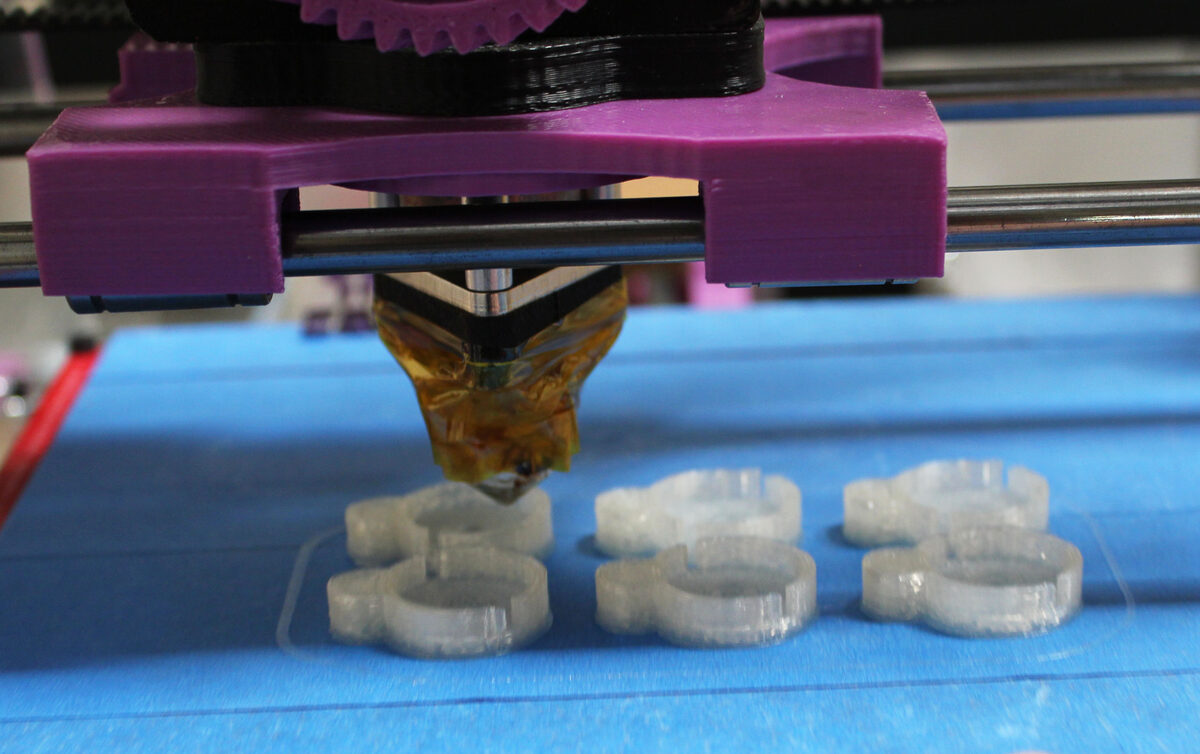
Every filament spool comes printed with a suggested temperature range, but those numbers vary more than beginners expect, and getting them wrong is the single most common cause of warping, poor layer adhesion, and clogged nozzles. This guide compiles nozzle and bed temperatures sourced directly from manufacturer technical data sheets, starting with Prusament's official PLA datasheet, so makers can cross-check their slicer profiles against real specifications rather than guesswork.
PLA: The Baseline
PLA remains the easiest material to dial in. Prusament's technical data sheet lists a nozzle temperature of 210 ± 10°C and a heatbed range of 40–60°C, with print speeds up to 200 mm/s and cooling fan speed set to 100 percent. No enclosure is specified as a requirement. This combination of low temperatures and full cooling is why PLA is the default onboarding material for nearly every desktop printer: it solidifies quickly, tolerates open-frame machines, and forgives modest temperature drift.
PETG: More Adhesion, Less Cooling
PETG runs hotter and needs less airflow than PLA. Prusament's PETG datasheet specifies a nozzle temperature of 250 ± 10°C, a heatbed temperature of 80 ± 10°C, print speeds up to 200 mm/s, and a cooling fan speed of only 50 percent — brim is generally not necessary with this material. Prusa's own knowledge base narrows this further with layer-specific guidance: 230°C for the first layer stepping up to 240°C for subsequent layers on the nozzle side, and 85°C for the first layer rising to 90°C afterward on the bed. The takeaway across both sources: PETG wants a hot first layer for adhesion, then can back off slightly, and it needs much less part cooling than PLA to avoid weak interlayer bonding.
ABS: Built for an Enclosure
ABS is where enclosure requirements stop being optional advice and start being a documented specification. Polymaker's PolyLite ABS technical data sheet calls for a nozzle temperature of 245–265°C and a build plate temperature of 90–100°C, with the cooling fan turned off entirely. Critically, the datasheet explicitly states "Closure Chamber Needed (ambient temperature)" — a manufacturer-documented enclosure requirement, not just a community best practice.
ASA: Similar to ABS, Hotter Bed
ASA shares ABS's warping tendencies and enclosure needs but runs its bed noticeably hotter. Prusament's ASA datasheet specifies a nozzle temperature of 260 ± 10°C, a heatbed temperature of 110 ± 5°C, print speeds up to 200 mm/s, and a cooling fan speed of 30 percent (with a geometry-dependent range of 0–50 percent). A 3mm-plus brim is recommended for large parts. Prusa's knowledge base is explicit about the enclosure requirement here, too, stating that "the bed should be heated to at least 100°C" and that the printer should be run inside an enclosure to maintain a higher ambient temperature. The same article warns that prolonged use of an unventilated enclosure can deform fan shrouds and other extruder plastics, so enclosure use isn't unlimited-duration by default.
TPU: Low Heat, Careful Retraction
Flexible filament runs cooler than any of the rigid materials above. Polymaker's PolyFlex TPU95-HF datasheet specifies a nozzle temperature of 200–220°C and a build plate temperature of just 25–50°C, with the cooling fan turned on starting at the second layer and retraction distance kept to 1–3mm. No heated bed or enclosure requirement is stated. This datasheet's pattern tends to hold broadly across TPU formulations: the material tolerates a fairly wide nozzle range, doesn't need a hot bed, and print quality depends far more on print speed and retraction tuning than on temperature precision.
Nylon: High Heat, and a Caveat
Nylon is the most demanding material on this list, and it's also where sourcing gets more complicated. The only manufacturer datasheet located with verifiable nozzle and bed numbers is Polymaker's PolyMide PA6-CF — the carbon-fiber-reinforced variant, not unfilled PA6. That datasheet specifies a nozzle temperature of 280–300°C and a build plate temperature of 25–50°C, with the cooling fan turned off. The material is highly moisture-sensitive and must be stored and used under dry conditions (below 20 percent relative humidity), and Polymaker recommends annealing printed parts at 80–100°C for one to three hours after printing to improve mechanical properties. The datasheet also notes significant nozzle wear from the carbon fiber content — a standard copper nozzle's service life is estimated at roughly nine hours — and recommends a hardened steel or ruby nozzle instead. No manufacturer technical data sheet for plain, unfilled Nylon 6 with public temperature specifications turned up in this research; makers running unfilled nylon should consult their specific spool's datasheet directly rather than assuming the CF-reinforced numbers above apply unchanged, since fiber reinforcement changes both thermal behavior and required nozzle hardness.
What It Means for Makers
The clearest pattern across every material here is that manufacturer datasheets, not general folklore, should set your starting point — and even within a single brand the numbers can shift: Prusament's PETG datasheet lists a flat 250 ± 10°C nozzle temperature, while Prusa's own knowledge base recommends a cooler, layer-specific 230°C/240°C instead, a reminder that a single spool can carry more than one "official" number depending on the source. Enclosure requirements are the other dividing line worth internalizing: PLA, PETG, and TPU carry no stated enclosure requirement in the sources here, while ABS and ASA both do, with ABS's datasheet stating it in plain language ("Closure Chamber Needed") and ASA's Prusa knowledge-base article adding the caveat that unventilated enclosures shouldn't be run indefinitely. For nylon, the practical lesson is to keep it sealed with desiccant between prints and to confirm whether your specific spool is reinforced or unfilled before trusting any published temperature range, since the two behave differently at the nozzle.
Sources
- Prusament PLA — Technical Data Sheet
- Prusament PETG — Technical Data Sheet
- PETG — Prusa Knowledge Base
- Polymaker PolyLite ABS — Technical Data Sheet
- Prusament ASA — Technical Data Sheet
- ASA — Prusa Knowledge Base
- Polymaker PolyFlex TPU95-HF — Technical Data Sheet
- Polymaker PolyMide PA6-CF — Technical Data Sheet
