
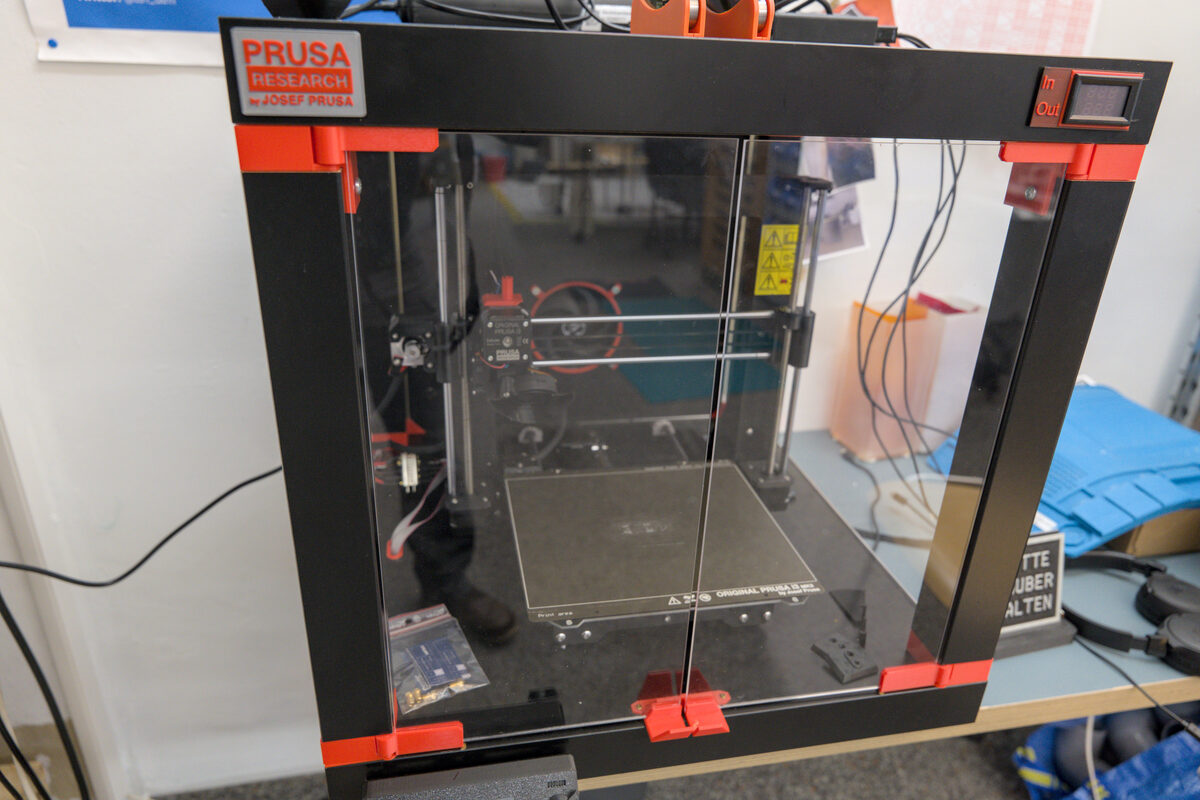
Prusa has published firmware 6.6.1 for the CORE One+ INDX and CORE One INDX toolchanger systems, a stable release that targets one of the more unnerving bugs reported by early INDX adopters: the toolhead spontaneously resetting mid-print, sometimes followed by the printer forgetting which tool was actually mounted. The release went live on GitHub on July 2, 2026, at 11:38 UTC, and is rolling out alongside an announcement thread in Prusa's own INDX general discussion forum, where the company posts firmware news for the toolchanger line specifically.
For anyone who hasn't been tracking it, INDX is Prusa's automatic tool-changing system for the CORE One platform — a docking mechanism that lets a single printer swap between multiple toolheads (different nozzle sizes, materials, or even fully separate hotends) without operator intervention. Toolchangers are mechanically and electrically more complex than a single fixed hotend, and that complexity is exactly where 6.6.1's fixes are aimed.
What Was Actually Broken
The headline bug was a spontaneous reset of the INDX Head itself — the toolhead would restart during operation with no obvious trigger, an issue that on a toolchanger is more disruptive than a standard firmware hiccup because the printer also has to re-establish which physical tool is docked where. According to Prusa's release notes, that reset could be followed by a second, nastier failure mode: after a "REDSCREEN" crash-reset (Prusa's internal term for a hard fault that dumps the printer to its red diagnostic error screen), the firmware would sometimes reassign the wrong tool on recovery. In a single-nozzle machine, a firmware crash is an inconvenience. On a toolchanger, a mismatched tool assignment after recovery means the printer could resume a print believing the wrong nozzle, wrong material, or wrong offset is active — a scenario that risks nozzle collisions, ruined parts, or clogged hardware if left unnoticed.
6.6.1 addresses that specific failure by having the printer now save the selected tool state so it persists correctly through a REDSCREEN event, closing the gap where recovery logic and actual hardware state could disagree.
The update also quietly removes the extruder filament sensor from the footer display and the Sensor Info menu — a smaller housekeeping change, but one worth noting if you rely on that readout, since it's an intentional removal rather than a display bug.
A New Safety Behavior for Lost Tools
Perhaps the more consequential change for day-to-day reliability is new rather than a fix: if the firmware ever finds itself in a state where it doesn't know which tool is mounted, or has lost track of it, 6.6.1 now automatically lowers the print bed. That's a deliberate safety behavior, not a bug workaround — dropping the bed clears space between the print and the toolhead so a user can safely remove the print or intervene without the nozzle immediately being in a collision zone. It's the kind of defensive design that toolchangers need more than single-tool machines do, since "the printer isn't sure what's on the end of the arm" is a uniquely toolchanger problem, and one where the wrong automatic response (say, continuing to print with the last known tool) could be worse than stopping.
Dock Calibration Gets Real Choices
Dock Calibration — the process of teaching the printer the exact position of each tool's parking dock — also changes behavior in 6.6.1. Previously, calibration presumably ran as a single fixed flow; now Prusa gives users three explicit options: Keep, Calibrate, or Invalidate. In practice, this means a user isn't forced to re-run a full calibration pass every time the menu is entered — they can keep an existing dock calibration they trust, explicitly trigger a fresh calibration for a dock they suspect has drifted, or invalidate a dock's calibration data entirely if something has physically changed (a dock reseated, a tool swapped, a crash that may have shifted geometry). For anyone running INDX in production rather than as a novelty, this is a meaningful workflow improvement: dock calibration accuracy is directly tied to how reliably the toolchanger picks up and drops off tools without grinding or misalignment, and being able to selectively invalidate one dock instead of touching all of them saves real time on multi-tool setups.
A Smaller Addition: Skipping Temperature Stabilization
The release notes also mention a new M109 flag that lets a print skip the temperature stabilization wait. M109 is the standard G-code command for "set extruder temperature and wait," and stabilization delays exist to make sure the hotend has actually settled at target temperature — not just reached it — before extrusion begins. A flag to bypass that wait is a minor addition on its face, but it's the kind of low-level G-code hook that print-profile authors and multi-material workflow designers will likely use to shave time off tool changes, where a toolchanger may already be swapping to a pre-heated head and doesn't need the same conservative settle time a cold-start print does.
What It Means for Makers
If you're running a CORE One+ INDX or CORE One INDX system, 6.6.1 is a fix-first release rather than a feature release, and the fixes target exactly the class of bug that erodes trust in a toolchanger: silent state corruption. A toolhead that resets on its own is bad; a printer that resets, recovers, and then confidently uses the wrong tool without telling you is worse, because it can produce failed prints or hardware damage without any obvious warning sign. Saving tool-selection state through a crash and dropping the bed when the firmware genuinely doesn't know what's mounted are both changes aimed at making failures visible and recoverable rather than silent.
The Dock Calibration overhaul is the part regular users will interact with most. If your toolchanger has been fussy about one specific dock, you no longer need to blow away calibration data for every tool to fix it — target the one that needs it and leave the rest alone.
Given that INDX is still a hardware line rolling out through 2026 and drawing active firmware iteration, owners should treat this as a recommended update rather than an optional one, particularly if spontaneous resets or post-crash tool confusion have already shown up on their machine. As with any toolchanger firmware update, running a fresh Dock Calibration pass after updating — even just an Invalidate-and-recalibrate on docks you're unsure about — is cheap insurance before returning to unattended multi-tool printing.
