
OrcaSlicer's maintainers pushed out version 2.4.1 on June 28, 2026, according to the official GitHub release notes, a maintenance point release aimed squarely at the rough edges left behind by 2.4.0. The headline items are a native build for Windows on Arm64 and a fix for a skirt-generation bug that had been quietly wasting filament and print time on sequential jobs since the last major release.
For a fork that started as a relatively small offshoot of Bambu Studio and PrusaSlicer's shared lineage, OrcaSlicer has become one of the most actively maintained slicers in the open-source ecosystem, and 2.4.1 reads like the kind of release that comes from a team paying close attention to bug reports rather than chasing new features for their own sake.
A Slicer That Finally Runs Native on Arm Windows
The most structurally significant change in 2.4.1 is the new native Windows ARM64 build, built specifically with Qualcomm's Snapdragon X Elite chips in mind. Until now, makers running OrcaSlicer on Arm-based Windows laptops -- an increasingly common category since Microsoft and its hardware partners pushed hard into Copilot+ PCs -- had to rely on x86 emulation through Windows' Prism translation layer. That works, but it carries a real performance tax: slicing large multi-part plates, running complex support generation, or previewing dense organic infill all become slower when every instruction has to be translated on the fly.
According to the release notes, the new build offers full feature parity with the standard x86-64 Windows build -- there's no cut-down "lite" version for Arm users, and no missing plugins or preview modes. That matters because slicer performance isn't cosmetic: on a complex multi-plate job with organic supports and variable-layer-height enabled, the difference between native and emulated execution can be the difference between a slice that finishes in seconds and one that makes you wait long enough to question your hardware choices. It's a relatively narrow audience today, but it signals that the OrcaSlicer team is treating Arm Windows as a first-class platform rather than an afterthought, which is notable given how few desktop CAM and slicing tools have bothered to do the same.
Fixing a Real Regression: Skirts That Wouldn't Stop Reprinting
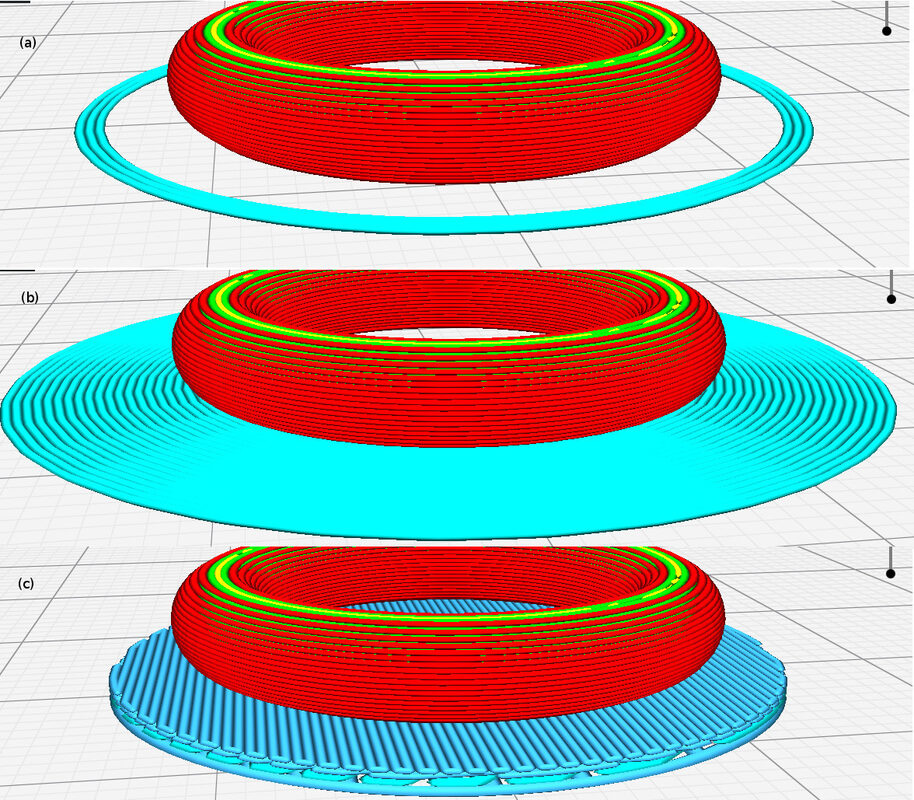
The second major fix addresses a genuine functional bug, not just a polish item. In 2.4.0, users running per-object or sequential printing -- where the printer completes one object fully before moving to the next, rather than printing all objects layer-by-layer in parallel -- could end up with skirts being generated and extruded again for objects later in the print queue. Per the GitHub release notes, this was a regression introduced by the 2.4.0 skirt overhaul, and 2.4.1 reworks skirt and brim generation into a single, shared flow to fix it.
For anyone unfamiliar with why this matters: a skirt is the outline traced around a model before the real print starts, used to prime the nozzle and check bed adhesion. It's supposed to happen once, typically before the first object. If the slicer instead regenerates a skirt for each subsequent object in a sequential print, you get extra plastic laid down mid-job, additional travel moves, and -- depending on the printer's build volume and object placement -- a real risk of a nozzle dragging across already-printed parts. Independent coverage from 3Druck.com confirms this as one of the release's central fixes, framing 2.4.1 as a maintenance update squarely focused on cleaning up what 2.4.0 broke.
Chamber Temperature, Profile Cleanup, and New Printer Support
Beyond the headline fixes, 2.4.1 adds a minimal chamber-temperature field. This lets a print begin once the chamber has reached a lower threshold rather than forcing the printer to sit and wait until it hits the full target temperature -- useful for enclosed machines with slow-heating chambers where waiting for the exact target can add many minutes of dead time before the first layer even starts.
The release also tackles a less glamorous but arguably more consequential problem: duplicate and inconsistent filament profile IDs across vendor profiles. 3Druck.com's coverage details this as restoring filaments that had gone missing or been miscategorized in the Orca Filament Library and filament-selection dialog, de-duplicating profile setting IDs, and correcting ambiguous AMS filament matches -- the kind of bug that doesn't crash anything but quietly causes the wrong profile to load, or a filament to vanish from a dropdown menu, until someone traces it back to an ID collision.
On the hardware side, 2.4.1 adds native profiles for two new printers. The Snapmaker U1 gets support for 0.2mm and 0.8mm nozzle sizes, and 3Druck.com notes the update also corrects the machine's bed size to 270x270mm after an apparent earlier discrepancy. The Elegoo Centauri 2 gets a full set of machine, filament, and process profiles synced over from ElegooSlicer, giving Centauri 2 owners who prefer Orca's interface and feature set a supported path without hand-building profiles from scratch. The GitHub notes round out the release with fixes for Linux Wayland rendering glitches, CrealityPrint connectivity issues, and AMS sync ordering problems.
What It Means for Makers
None of this is a flashy feature release, and that's the point. 2.4.0 shipped meaningful new capability but also introduced a skirt bug that could genuinely mess up sequential prints, and 2.4.1 exists to clean that up before it does more damage in the field. Anyone running per-object or sequential printing profiles on 2.4.0 should update promptly -- this isn't a cosmetic annoyance, it's extra unwanted extrusion mid-print. Filament library users benefit from having profiles that were missing or duplicated actually show up correctly again, which is the kind of fix that's invisible until it isn't.
The Windows ARM64 build is the forward-looking piece: it's a small user base today, but as Snapdragon X Elite and similar Arm laptops become more common, having a slicer that runs natively rather than through emulation is a real quality-of-life upgrade for anyone who bought one of those machines expecting first-class app support. Snapmaker U1 and Elegoo Centauri 2 owners get the most immediately actionable news here -- native profiles mean less manual configuration and fewer guessed settings before a first successful print.
