
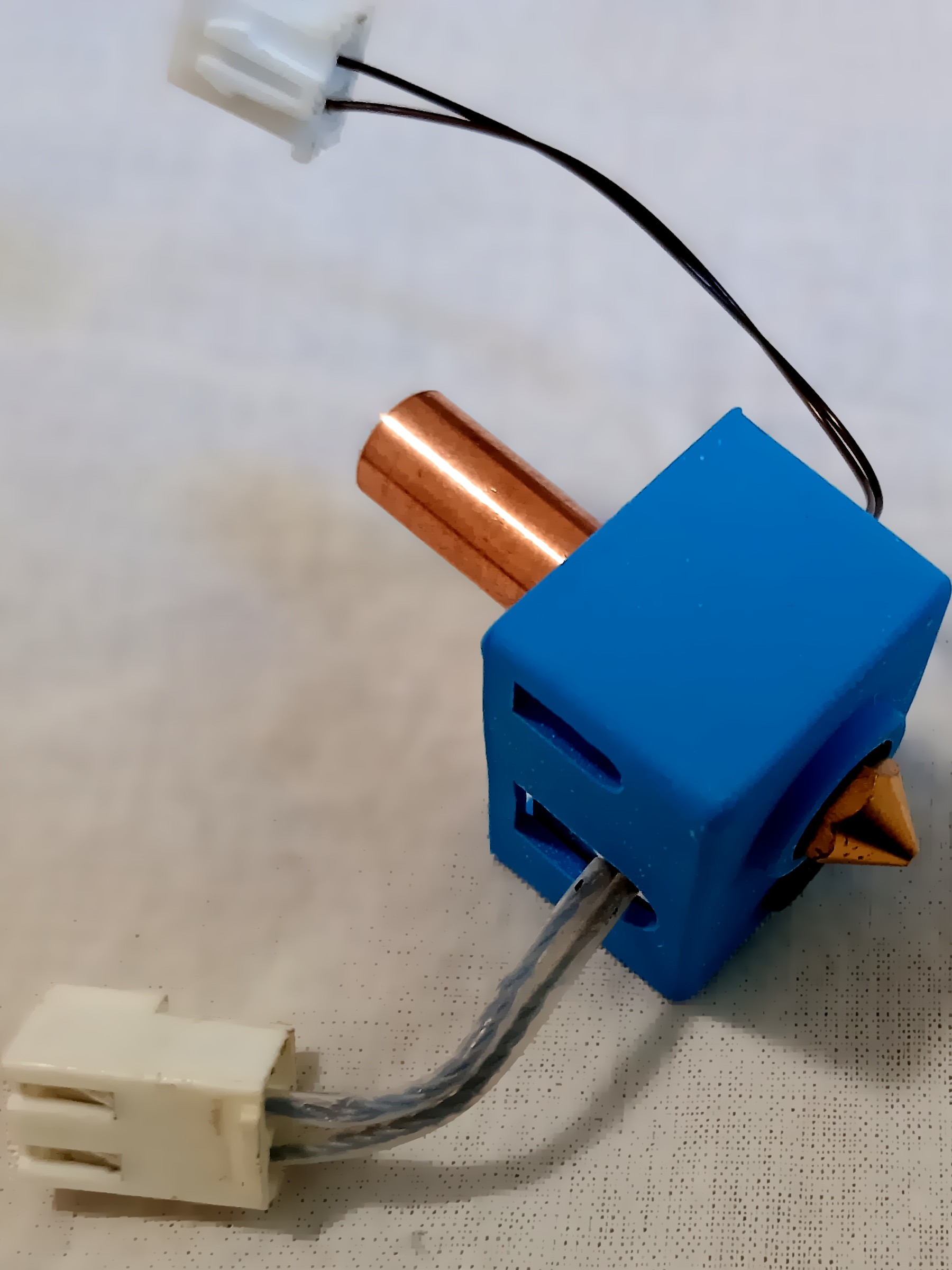
Swapping a nozzle sounds like a minor hardware change, but it resets nearly every other setting in your slicer. As Prusa's own knowledge base explains, layer height is capped by nozzle diameter — go past roughly 80% of the orifice size and adhesion between layers breaks down, no matter how well-tuned the rest of your profile is. That single rule cascades into print speed, surface detail, and even which filaments are safe to run, which is why picking the right nozzle size matters more than most other upgrades on a desktop printer.
The 80% Rule, and Why It Exists
PrusaSlicer will throw an error if you try to set a layer height greater than the nozzle diameter, and the recommended practical ceiling is well below that hard limit. Prusa's knowledge base states the layer height "should be below 80% of the nozzle diameter (e.g. the maximum layer height with a 0.4 mm nozzle is about 0.32 mm)." A separate Prusa KB article on building custom nozzle profiles phrases the same guidance slightly more conservatively, recommending "70-80% of your nozzle diameter at maximum" to avoid compromising layer adhesion. Either way, the takeaway is the same: bigger nozzle, taller layers are possible — but there's a firm ceiling, not a suggestion.
On the other end of the scale, there's a practical floor too. Prusa's guidance argues against dropping below 0.10 mm layer height for most work, noting that going down to 0.07 mm or 0.05 mm produces only a marginal quality improvement while drastically increasing print time.
What Each Nozzle Size Is Actually For
Prusa's own materials spell out maximum layer heights for its two most common nozzle sizes, and use cases for the rest of the lineup, with the numbers tracking the 80% rule closely:
- 0.25 mm (fine detail): applying the same 80% ceiling puts the practical maximum layer height around 0.20 mm, though Prusa's published examples only spell out the 0.4 mm and 0.6 mm figures directly. Prusa's blog positions this size for jewelry, logos, and finely detailed text, and notes that its biggest real-world advantage on miniatures is in supports: material printed with a 0.25 mm nozzle is easier to remove and leaves less visible marks than supports from a 0.4 mm nozzle.
- 0.4 mm (standard): maximum layer height of about 0.32 mm. This remains the default on most consumer printers and the baseline every other size is compared against.
- 0.6 mm (production): maximum layer height of about 0.48 mm. Prusa's blog says that if it could recommend only one nozzle as an alternative to the 0.4 mm size, it would be the 0.6 mm — good for functional parts, holders, and flower pots — and that it can print up to twice as fast as a 0.4 mm nozzle with quality that's nearly indistinguishable on parts without fine detail.
- 0.8 mm–1.0 mm (speed): Prusa reports its 1.0 mm nozzle reaches print speeds up to five times faster than a 0.4 mm nozzle, at the cost of highly visible layer lines. These sizes are recommended for large toys and fast prototypes rather than detailed work.
Note the title-card sizes above use 0.25 mm rather than an even 0.2 mm for the fine-detail end — 0.25 mm is the smallest diameter Prusa ships a ready-made PrusaSlicer profile for, alongside 0.6 mm and 0.8 mm, via the Configuration Wizard. Some other manufacturers do offer a 0.2 mm option, but this research could not independently confirm manufacturer-published layer-height figures for that exact diameter.
Regardless of nozzle size, Prusa's default print profiles set the first layer to 0.20 mm across the board — the first-layer height doesn't scale with nozzle diameter the way subsequent layers do. When building a custom profile for a nonstandard nozzle, Prusa recommends setting extrusion (line) width to roughly 110% of the nozzle diameter.
What Nozzle Manufacturers Say About Flow, Not Just Height
Layer height is only half the story — the other constraint is how much plastic a nozzle can physically push out per second, known as volumetric flow rate. E3D, which manufactures the widely used V6 and Volcano hotends, publishes flow-rate data for its Volcano brass nozzles running PLA at 220°C: a 0.4 mm nozzle manages about 20 mm³/s, a 0.6 mm nozzle about 21 mm³/s, 0.8 mm about 29 mm³/s, 1.0 mm about 35 mm³/s, and 1.2 mm about 38.5 mm³/s. E3D is explicit that these are reference points, not guarantees: "the maximum achievable flow rate of a HotEnd is dependent on a number of factors and as a result, cannot be accurately portrayed in one single value," with layer height, line width, temperature, and extrusion force all playing a role alongside nozzle diameter.
For its own testing methodology, E3D uses a layer height equal to 50% of the nozzle's orifice diameter paired with a line width of 125% of that diameter — for a 0.4 mm nozzle, that works out to a 0.2 mm layer height and a 0.5 mm line width, a more conservative pairing than PrusaSlicer's 80%-of-diameter ceiling.
What It Means for Makers
If you're choosing between nozzle sizes, the manufacturer data points to a fairly simple decision tree. Stick with 0.4 mm as the default for general-purpose work — it's what every slicer profile assumes and what most filament and hotend tuning data is built around. Step down to a 0.25 mm nozzle only when a part genuinely needs the extra XY resolution, such as miniatures, jewelry, or fine text, and accept the tradeoff of slower prints and a lower practical ceiling on layer height (about 0.20 mm max). Step up to 0.6 mm when you're printing larger functional parts and want meaningfully faster prints — Prusa's own figures suggest up to 2x speed with acceptable quality loss — and go to 0.8 mm or larger only for big, low-detail prints like oversized toys or rapid prototypes where visible layer lines are an acceptable tradeoff for up to 5x the print speed.
Whatever size you land on, don't treat the 80%-of-diameter figure as a target to max out by default. It's a ceiling for cases where speed matters more than surface finish; for most parts, staying comfortably under that ceiling — and never dropping below roughly 0.10 mm just to chase marginal quality gains — will give more consistent results with less slicer troubleshooting.
